Check API permissions
Make sure your App Store Connect API key has access to the apps and in-app purchases you want to manage.
 ParityPricer
Contact
ParityPricer
Contact
Support
Questions about setup, pricing previews, Pro membership, purchases, or App Store Connect? Start here or contact the developer directly.
Direct support
Send support requests to programwarrior2@outlook.com. Include your macOS version, ParityPricer version, what you were trying to do, and any error message you saw.
Do not send App Store Connect private keys, .p8 files, API secrets, or Apple account passwords in support messages.
FAQ
ParityPricer is a macOS app for developers who manage App Store Connect in-app purchase and subscription prices across global markets. It helps preview PPP-based regional price schedules and publish reviewed adjustments through App Store Connect.
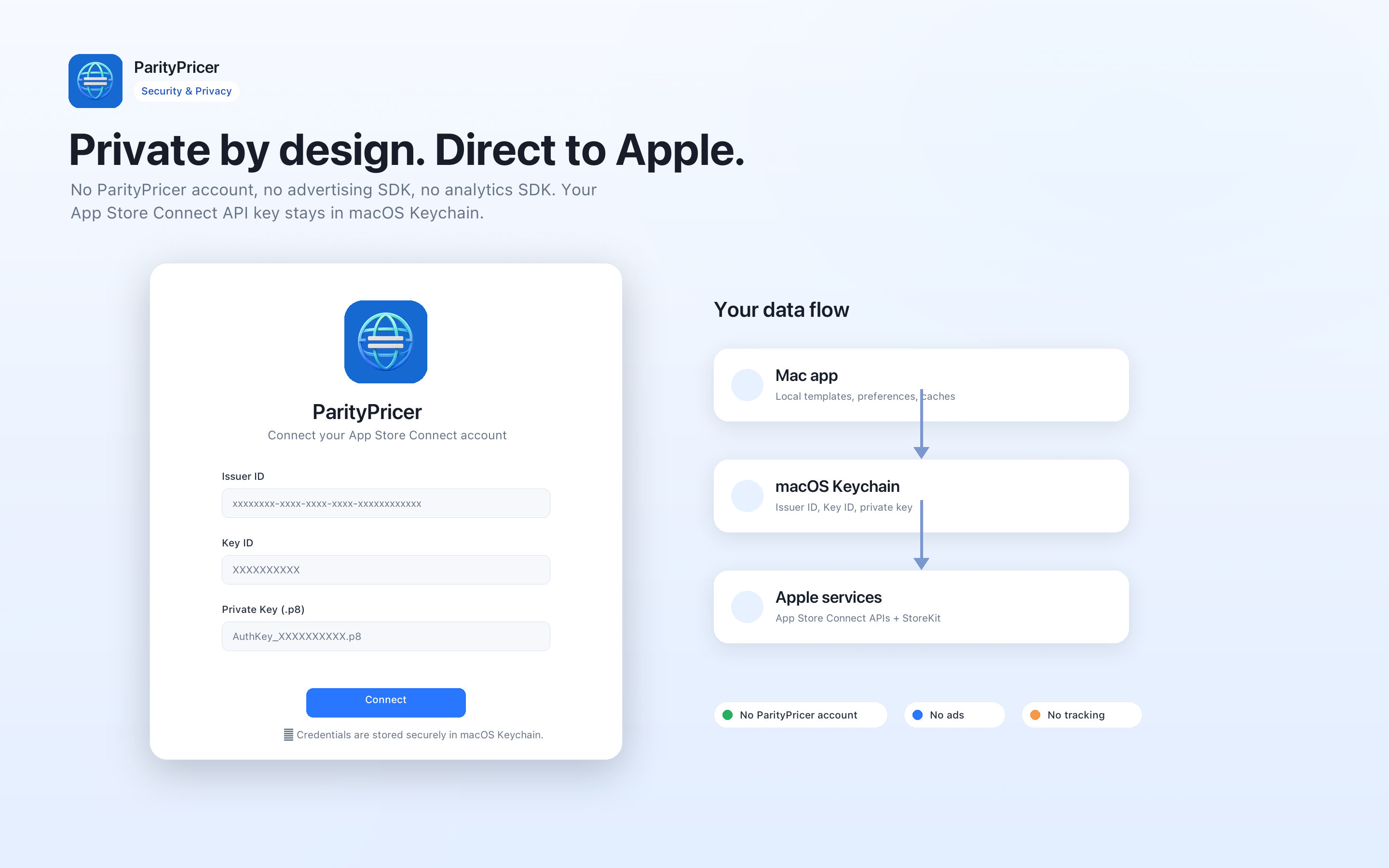
Open ParityPricer and enter your Issuer ID, Key ID, and App Store Connect API private key file. The credentials are stored locally in the macOS Keychain and are used to make requests from your Mac to Apple's services.
ParityPricer includes two free publishes. Pro unlocks unlimited previews and App Store price adjustment publishes, plus continued use of supported PPP and custom pricing workflows.
Subscribe to ParityPricer Pro inside the app through Apple's App Store purchase sheet. Apple handles payment, billing, renewal, tax, and subscription management.
First confirm that you are signed in to the Apple Account used for the purchase. Then use Restore Purchase in ParityPricer. If the issue continues, download the app again from the App Store while signed in to the purchasing account, then restore the purchase again.
Subscriptions are managed by Apple. You can cancel from your Apple Account subscription settings or follow Apple's instructions at support.apple.com/en-us/HT202039. Refund requests are handled by Apple according to Apple's policies.
No. ParityPricer provides tools, calculations, previews, and publishing workflows. You remain responsible for checking every market, price, date, product selection, and App Store Connect result.
Include your macOS version, ParityPricer version, the selected app or product type, a short description of the problem, and screenshots if useful. Do not include private keys or passwords.
Troubleshooting
Make sure your App Store Connect API key has access to the apps and in-app purchases you want to manage.
If Pro is inactive after purchase, use Restore Purchase while signed in with the same Apple Account.
Check markets, dates, fallback rules, and edited prices before sending any adjustment to App Store Connect.
Privacy and data
ParityPricer does not require a ParityPricer account and does not use a separate ParityPricer backend for your App Store Connect credentials. Support can only investigate information you choose to send, so please describe the issue clearly while keeping secrets out of email.
Read the Privacy Policy and Terms of Service for the full app and website policies.
Still need help?